.png)
Tracking Shipments
To track specific parcels, you’ll have to retrieve a barcode or tracking number in 'Search Shipments'.
If you opted to use Nexae generated tracking numbers, the tracking reference will begin with 'MHI' followed by 11 digits. For example:
MHI-123-12345678
Option 1
- Once you have found the parcel within your shipment history, you can click the 'track' icon, which will automatically take you to the tracking events for that parcel.

Option 2
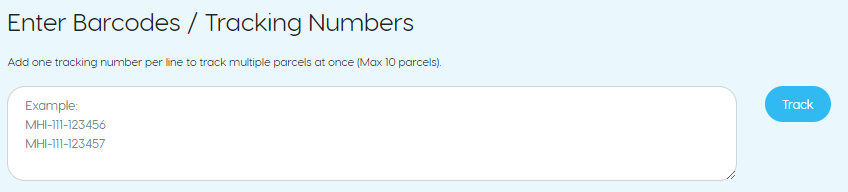
- If you have the tracking number or barcode to hand, enter it in the tracking form on 'Track Shipments' and submit. The most recent tracking “events” will be returned, alongside the final mile carrier tracking URL that can be provided to your recipients.
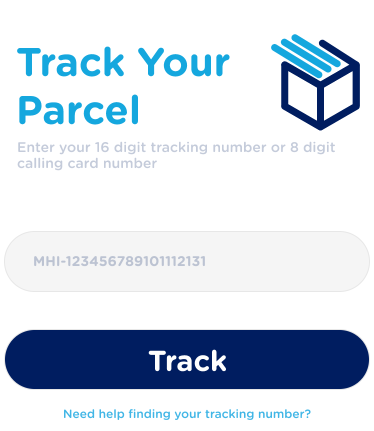
Tip: If you have your tracking number on hand, you can quickly receive tracking updates from our homepage without needing to log in. Simply type the reference into field provided and hit 'Track'