.png)
User Management: Additional Users & Permissions
You can add multiple sub-users for your company, each with different permission levels, which will reduce the risk of unintentional changes to settings, for example.
It is also recommended you have different logins for each employee, as this will reduce security risk when compared with using one account for all your employees.
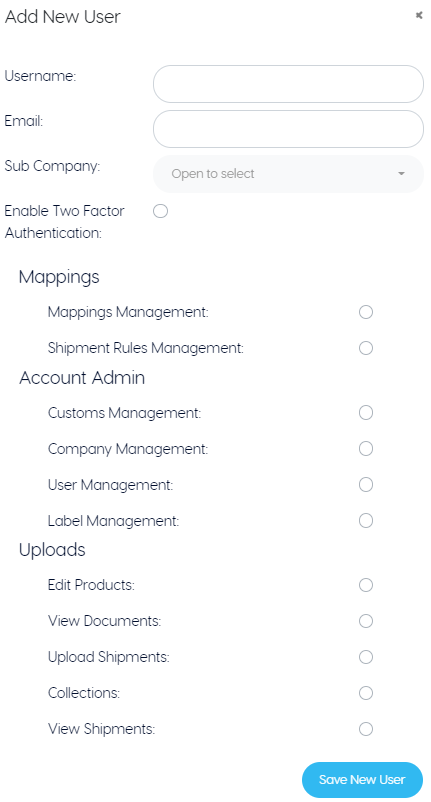
To create new sub-users, simply click “Add New User” within the User Management tab in settings. Here, you’ll be prompted for mandatory information. Once submitted, an email will be sent to confirm their username and login URL.
There are 4 permission levels that you can choose from:
- Standard User: Access Shipments (Bulk / Manual / History) and Collections (if applicable)
- Basic User: Shipments Only (Bulk / Manual / History)
- Collections User: Collections Only (Advise / Arrange)
- Company Administrator: Access All (including settings).
User Levels 1-3 will only have access to settings for their account, such as their password.